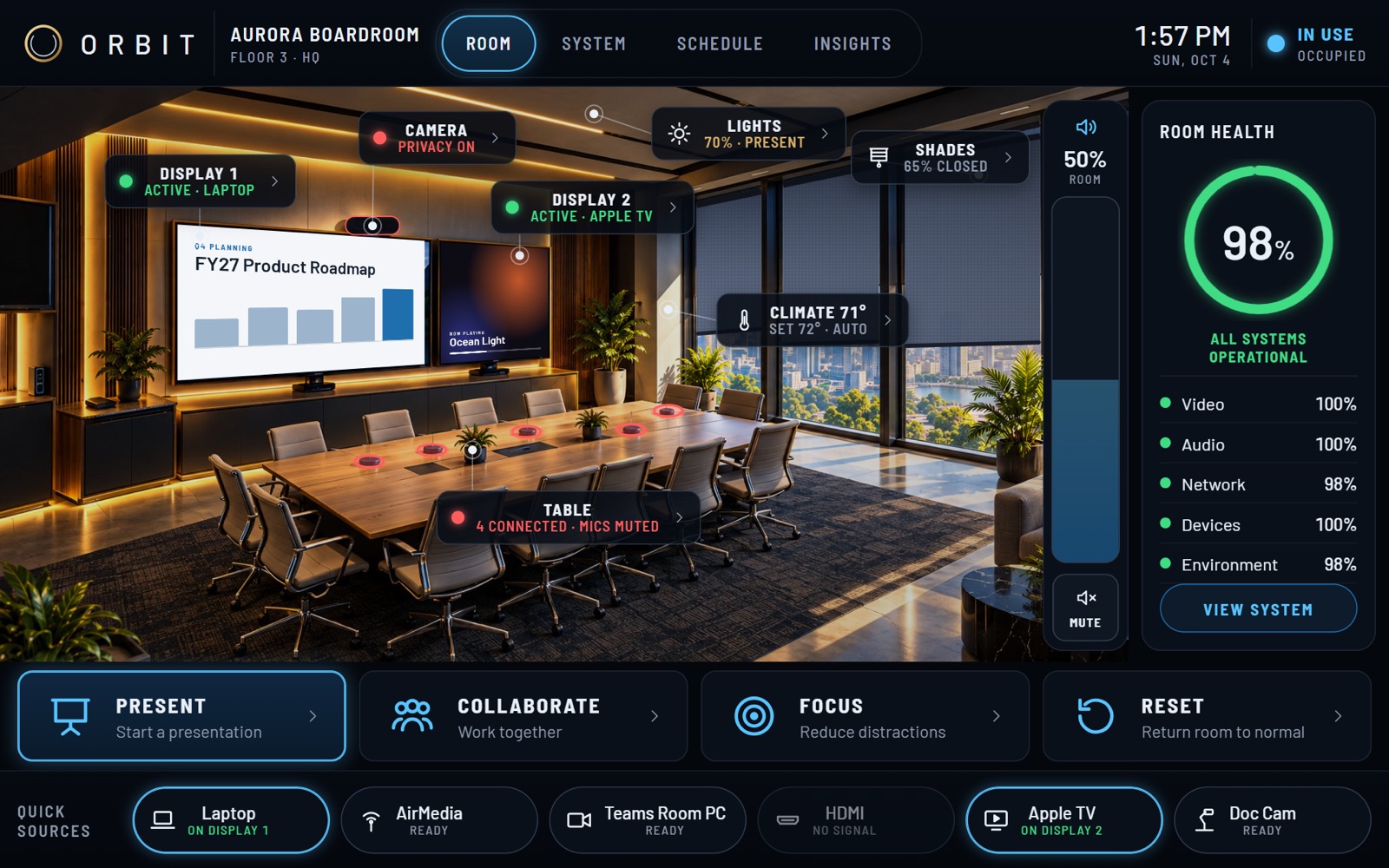
One meeting, start to finish
Here is what someone walking into the room sees and does. None of it needs a tour.
-
Walk in
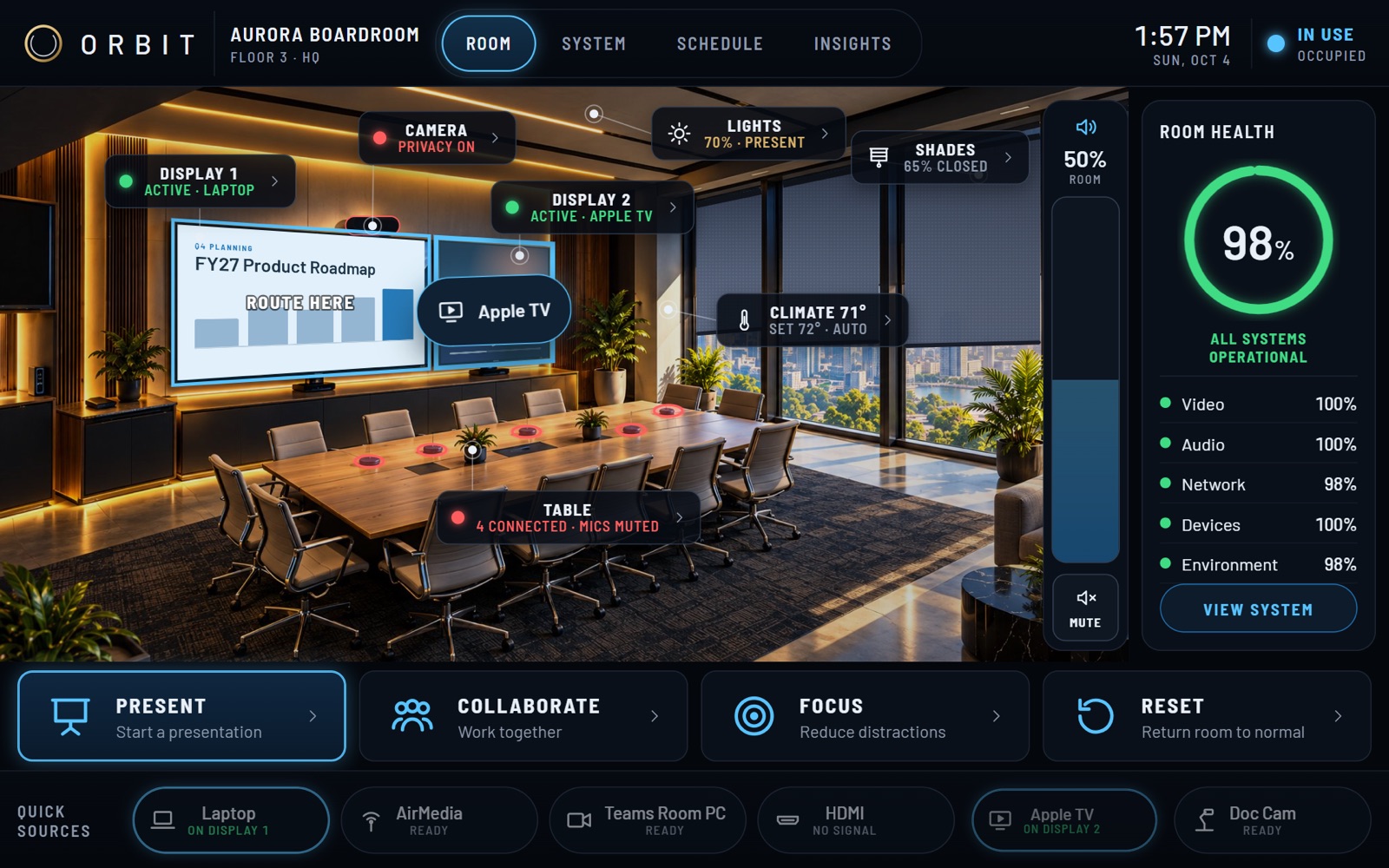
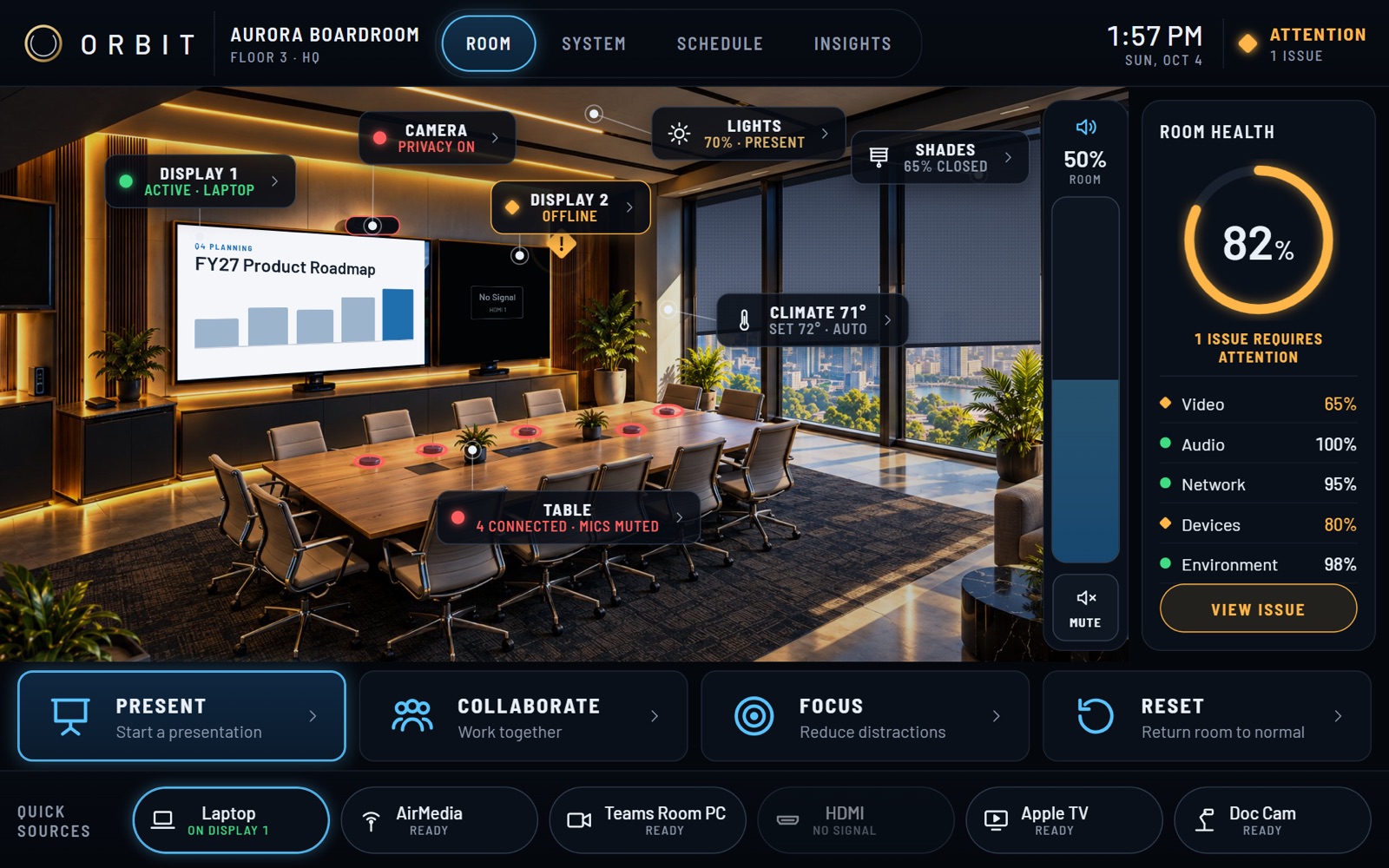
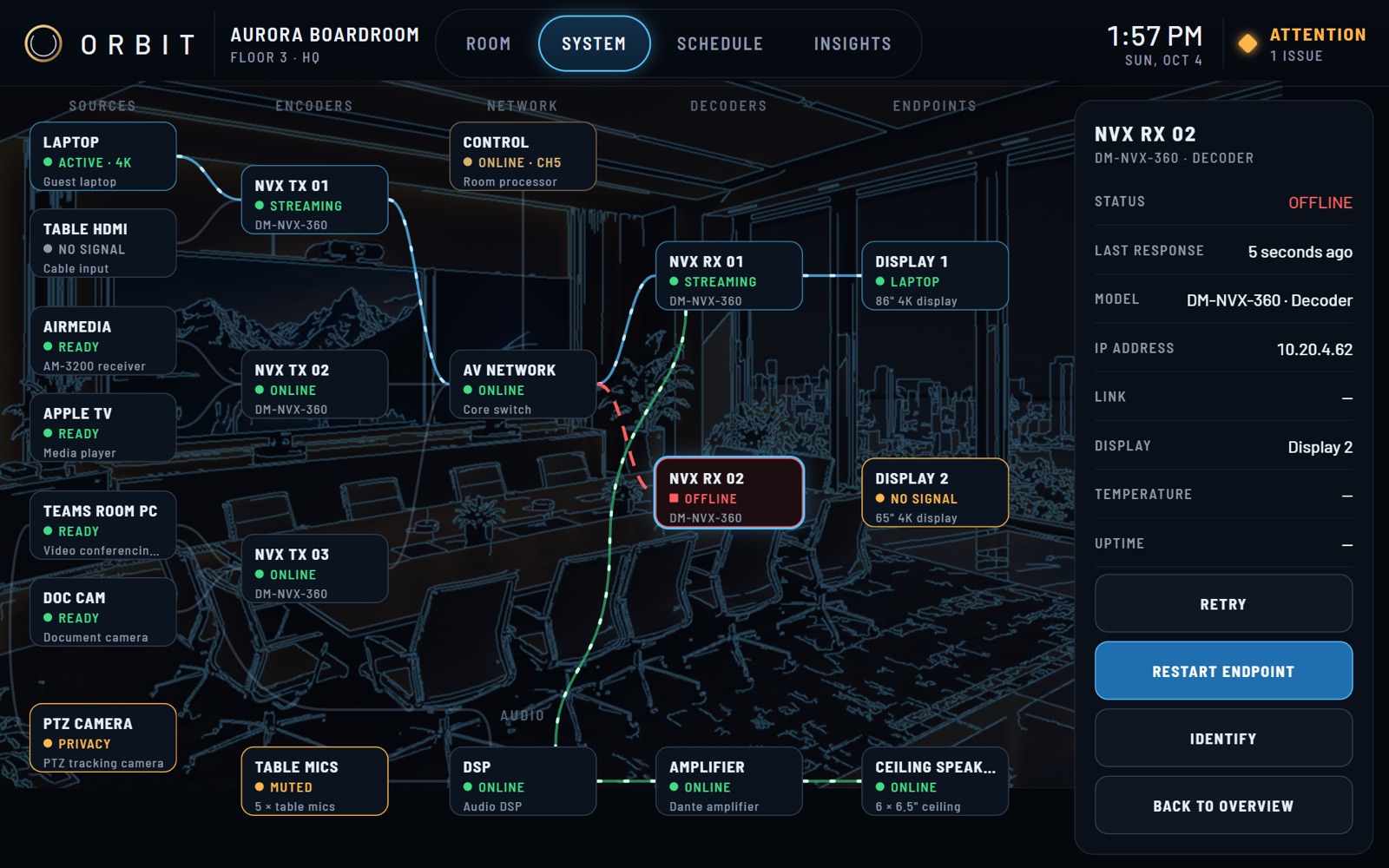
The panel shows the room itself. A small status label sits on each device, so a glance tells you what's on, what's ready and what's connected.
-
Join
Ten minutes before a meeting, the room offers to join the call. One tap brings the call up on the main screen, turns the camera on and opens the microphones.
-
Share
Drag a laptop, Apple TV or any other source from the bar onto a screen in the picture. That's the whole step.
-
Wrap up
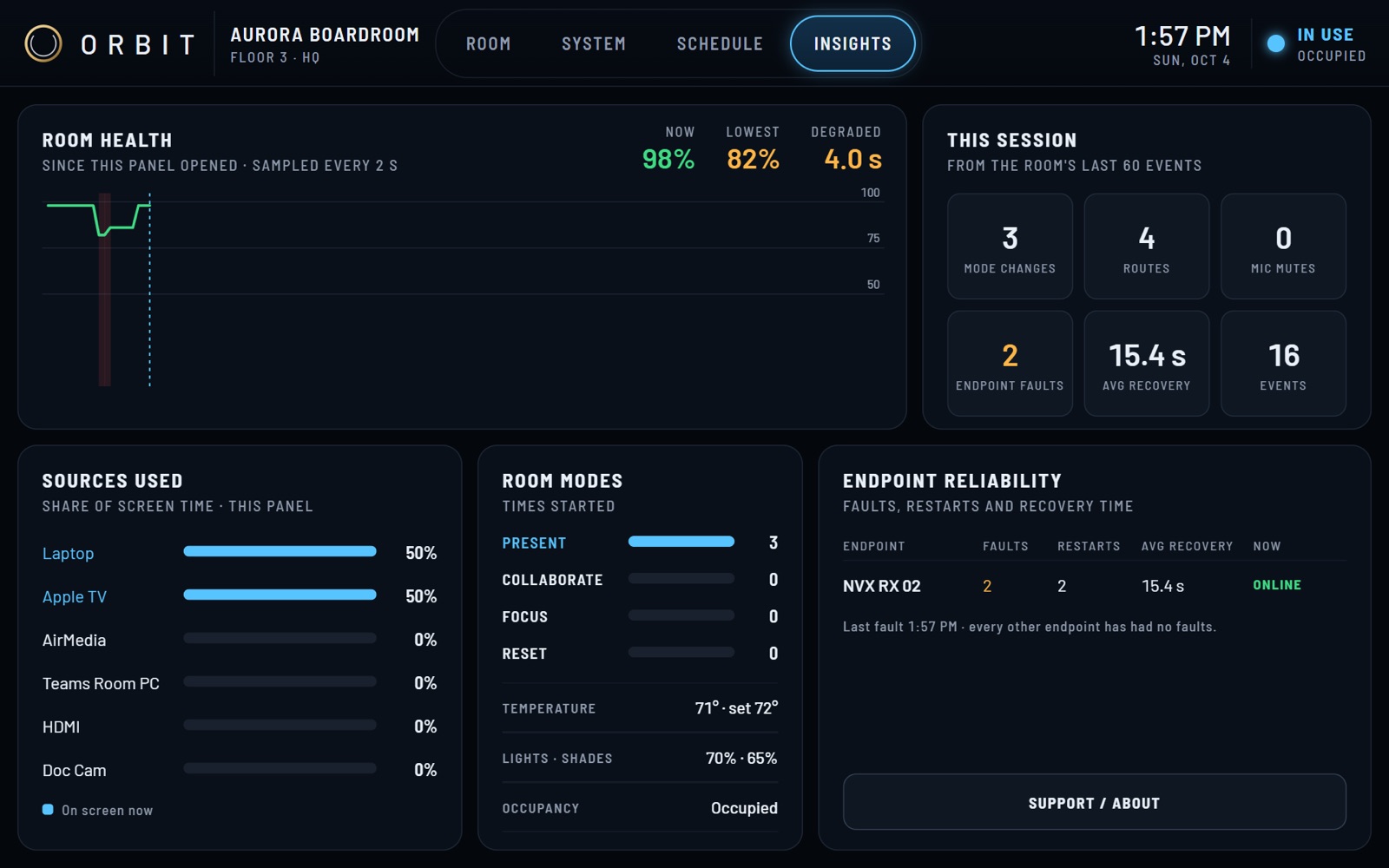
Tap RESET and the room returns to a known, private resting state, ready for whoever walks in next.